Section 1 of 8
First Login & Company Setup
The Admin role has complete access to all features — properties, tenants, finances, staff, integrations, and AI insights. This guide walks you through setting up your company and getting to full operational speed.
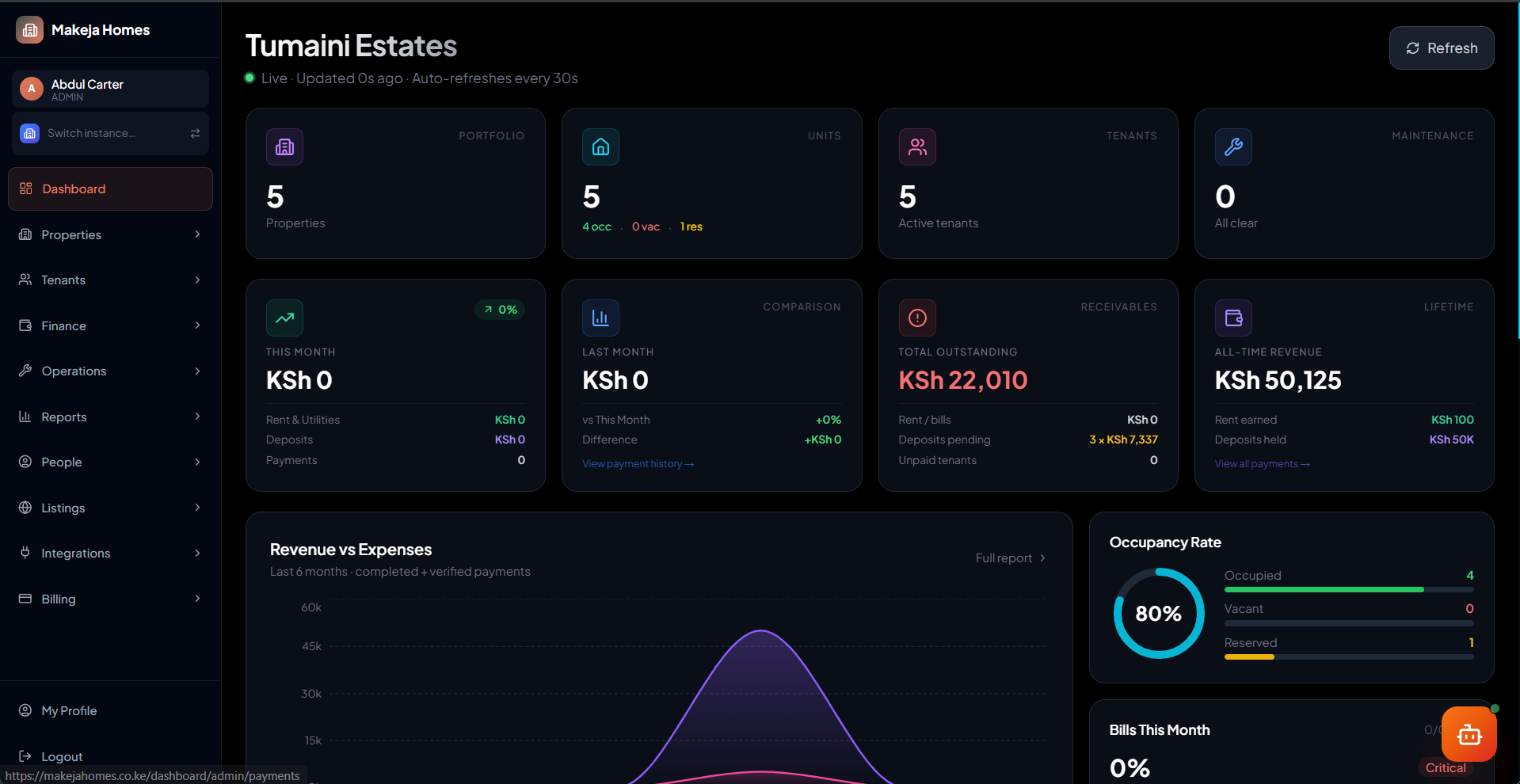
1
Log in at makejahomes.co.ke
Navigate to makejahomes.co.ke/auth/login. Select "Staff" and enter your email and password created during onboarding. If your account belongs to multiple companies, select yours from the list. You'll land on the Admin Overview dashboard.
2
Complete company settings
Go to Settings → Company Settings. Fill in your company name, phone number, address, and billing email. This appears on PDF receipts and lease contracts.
3
Set your billing email
Add a dedicated billing email address. All payment receipts and financial notifications will route through this address.