Why Property Management in Kenya Has to Be Mobile-First
Your caretaker is checking maintenance tickets on a phone with a cracked screen and patchy data, not a laptop in an office. Software built for the second scenario fails the first.
Picture the actual device a Kenyan caretaker is using at 7pm on a Tuesday to log that a tenant's kitchen tap is leaking. It's probably a mid-range Android phone, maybe two or three years old, maybe with a screen protector that's starting to crack at one corner. He's standing in a corridor with two bars of signal, on a data bundle he bought that morning, not connected to WiFi. He is not sitting at a desk. He does not have a second monitor. He has a thumb, a small screen, and somewhere between thirty seconds and two minutes before he moves on to the next thing.
Any software built for property management in Kenya that doesn't design around this exact moment is building for a country that doesn't quite exist.

The Desktop Assumption That Doesn't Hold
A lot of software, including a fair amount of property management software sold into the Kenyan market, is still designed with an unspoken assumption: someone sits at a computer, with a stable connection and a full-sized screen, and works through tasks methodically. That describes how a landlord might review their monthly numbers from a laptop at home. It describes almost nothing about how a caretaker, a tenant, or even many managers actually interact with the system day to day.
Kenya's internet access story is a mobile story, not a desktop one. Smartphone penetration has grown dramatically over the past decade, while fixed broadband and personal computer ownership remain comparatively rare outside offices and wealthier households. For the people who actually do the hands-on work of running rental property, caretakers walking between units, tenants paying rent from wherever they are, managers juggling multiple properties, the phone isn't a secondary device. It's the only device.
Where This Shows Up in Practice
Connectivity isn't constant
4G coverage in Nairobi's CBD is excellent. Coverage inside a basement parking area, or in parts of a peri-urban estate forty minutes outside the city, is a different story entirely. Software that assumes an always-on, high-speed connection will time out, fail silently, or force a frustrated caretaker to redo the same submission three times before it actually saves.
Data costs real money to real people
A bundle of data is a deliberate purchase for a lot of users, not an invisible background utility. An app that loads heavy images, auto-refreshes constantly, or requires a large initial download is asking someone to spend money just to use the tool their job depends on.
Screens are small and sometimes cracked
Interfaces designed first for a desktop and then "made responsive" for mobile often end up with tiny tap targets, text that requires zooming, and multi-step forms that are tedious to fill with a thumb. A tenant trying to pay rent, or a caretaker trying to log a maintenance update, needs something built mobile-first, not squeezed down from something that wasn't.
The tenant paying rent is usually also on a phone
This matters as much on the payment side as the operations side. If paying rent requires navigating a clunky checkout flow on a small screen, tenants either give up partway through or default back to sending money directly and hoping it gets matched correctly, which undoes the entire point of having a system.
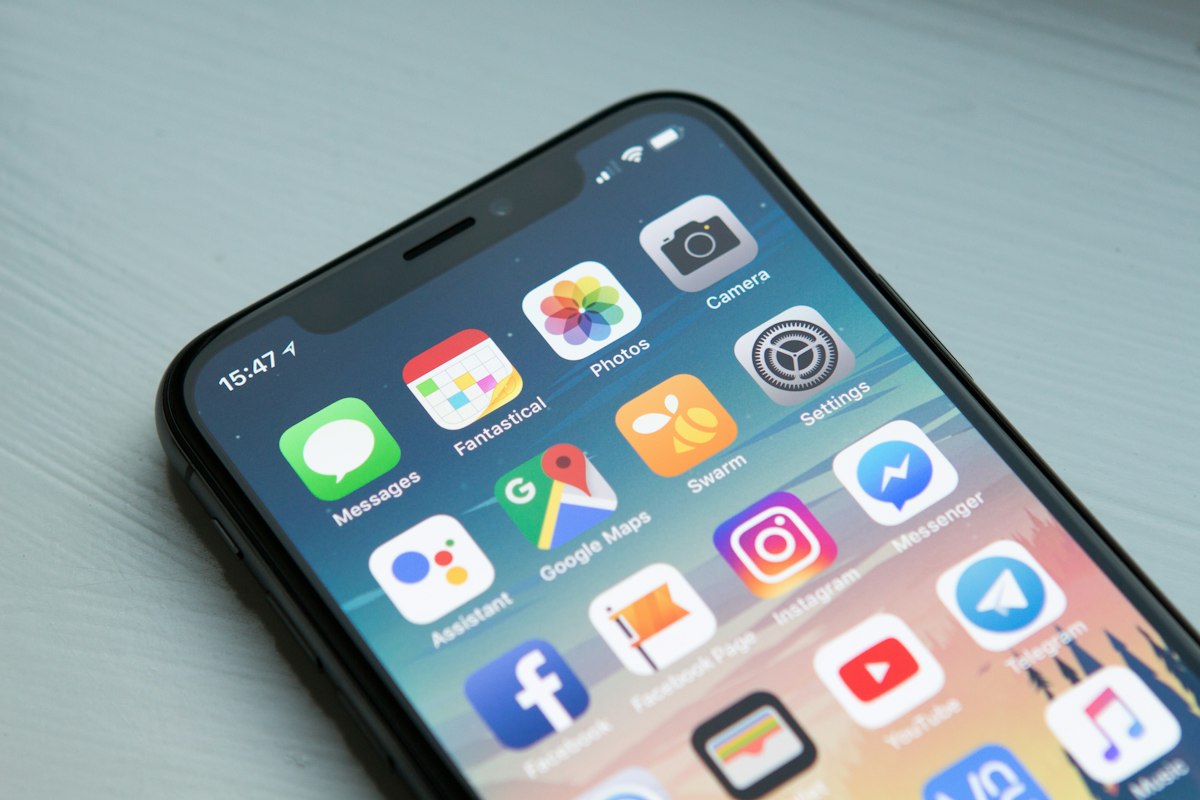
What "Mobile-First" Actually Requires, Beyond a Responsive Layout
A lot of software claims to be mobile-friendly because it technically renders on a phone screen without breaking. That's a much lower bar than actually being built for mobile use as the primary, not secondary, way of interacting with the system. The real requirements look more like:
- Forms that are short, with sensible defaults, so logging a maintenance update or recording a meter reading takes seconds, not minutes.
- Graceful handling of patchy connections, so a submission made with a weak signal doesn't just silently fail, leaving someone unsure whether their update went through.
- Lightweight pages that load fast on a modest data connection, rather than image-heavy dashboards built with desktop bandwidth in mind.
- Payment flows that work smoothly through M-Pesa's native prompts, since that's the payment experience Kenyan users are already fluent in, rather than forcing an unfamiliar card-first checkout.
- Notifications that reach people where they already are, which in Kenya often means WhatsApp or SMS alongside email, not email alone.
Why This Matters More for Operations Than for Landlords Themselves
It's worth separating two different users here. A landlord checking their monthly summary once a week might genuinely prefer a desktop view with more detail on a bigger screen, and that's fine, nothing wrong with supporting that too. But the daily, repeated, high-frequency interactions, a caretaker logging ten maintenance updates a day, a tenant paying rent on the 1st, a manager verifying a stack of manual payments, all happen on phones, under real-world conditions, not ideal ones.
If the mobile experience is an afterthought, it's precisely the highest-frequency users of the system who feel that friction every single day, and they're the ones whose cooperation determines whether the whole system actually gets used properly or quietly gets abandoned in favor of the old WhatsApp group.
The Practical Test
The simplest way to evaluate this, for any landlord choosing software, is to stop reading the feature list and just open the actual tenant portal and staff dashboard on an ordinary Android phone, on mobile data, not WiFi. Try logging a maintenance request. Try making a test payment. If it feels smooth on a mid-range device with an average connection, it was probably built with the realities of this market in mind. If it feels like a desktop site shrunk down, it probably was.
Makeja Homes is built mobile-first for exactly this reason. Start your free 30-day trial at makejahomes.co.ke/start and try the tenant and staff experience on your own phone.
Ready to try it yourself?
Free 30-day trial. No credit card. Set up in under 10 minutes.
Start free trial →